
Disclosure: this guide contains affiliate links. If you buy through them we may earn a small commission at no extra cost to you. Read our affiliate disclosure. Prices and availability can change, so check the current details on the store page.
The right laptop depends on how you work. Below are our top picks for students and professionals, followed by a short guide so you can judge any laptop before you buy.
Finding the right laptop can be overwhelming with so many options available today. Whether you need powerful performance for video editing, all-day battery life for college classes, or a sleek ultrabook for daily office work, we have compiled a detailed list of the top laptops you can buy in 2026.
The products at a glance
| Laptop | Best for | Standout |
|---|---|---|
| Apple MacBook Air M3 | Students and mobile professionals | Silent design and long battery life |
| Dell XPS 13 (2026 Edition) | Executives and Windows users | Compact premium body with an OLED option |
| Lenovo ThinkPad X1 Carbon Gen 12 | Business and programming | Excellent keyboard and durability |
| ASUS ROG Zephyrus G14 | Gaming and creative work | Strong graphics in a portable body |
| HP Pavilion 15 | Budget buyers | Good value and a full-size keyboard |
| Acer Swift Go 14 | Online learning and media | OLED screen and a sharp webcam |
| ASUS Chromebook Plus CX34 | Web-based work | Fast start-up and a low price |
How we picked these products
We looked at the things that matter day to day: performance for the price, battery life, screen quality, the keyboard and trackpad, weight, ports and how well each laptop suits the person it is aimed at. We read the maker specifications and owner feedback, and we prefer laptops that do their job well over laptops with a long list of features that rarely get used. The order of this list is based on how well each laptop suits its audience, not on commission. Some links are affiliate links, which we explain in our affiliate disclosure.
1. Apple MacBook Air M3
The MacBook Air M3 is the best all-around laptop for students and professionals alike. It combines incredible battery efficiency with silent fanless performance.

- Key Specifications: 13.6-inch Liquid Retina Display, Apple M3 Chip, Up to 18 Hours Battery Life, MagSafe Charging.
- Pros: Extremely lightweight, exceptional battery endurance, silent operation, premium build quality.
- Cons: Limited port selection (requires dongles for USB-A), base model starts with 8GB RAM.
- Best For: College students, content writers, and mobile professionals.
Why it stands out
The MacBook Air M3 is the laptop we suggest most often to people who simply want something that works well every day. It is thin and light, it has no fan so it stays silent even when you are busy, and the Liquid Retina display is sharp and bright enough for long study sessions. macOS also comes with a good set of built-in apps for writing, notes, photos and video calls, so you can start working without installing much.
In daily use
In daily use the battery is the real highlight. Apple rates it at up to 18 hours, and many owners get through a full day of classes or meetings on one charge, though heavy video calls and a bright screen will shorten that. The keyboard and trackpad are comfortable, the speakers are clear for lectures and calls, and MagSafe charging keeps the USB-C ports free. Because it uses an efficient Apple chip, it also stays cool on your lap.
Before you buy
The main limits are the ports and the starting memory. You get only a small number of ports, so a USB-A flash drive or a wired mouse may need an adapter. The base model starts with 8 GB of memory, which is fine for light work, but if you keep many browser tabs and apps open, consider a version with more memory because it cannot be upgraded later. It is also not the best choice for demanding games. Check the current price and whether a newer MacBook Air is on sale.
2. Dell XPS 13 (2026 Edition)
The Dell XPS 13 remains the king of Windows ultrabooks, offering an ultra-thin design paired with a stunning OLED display options.
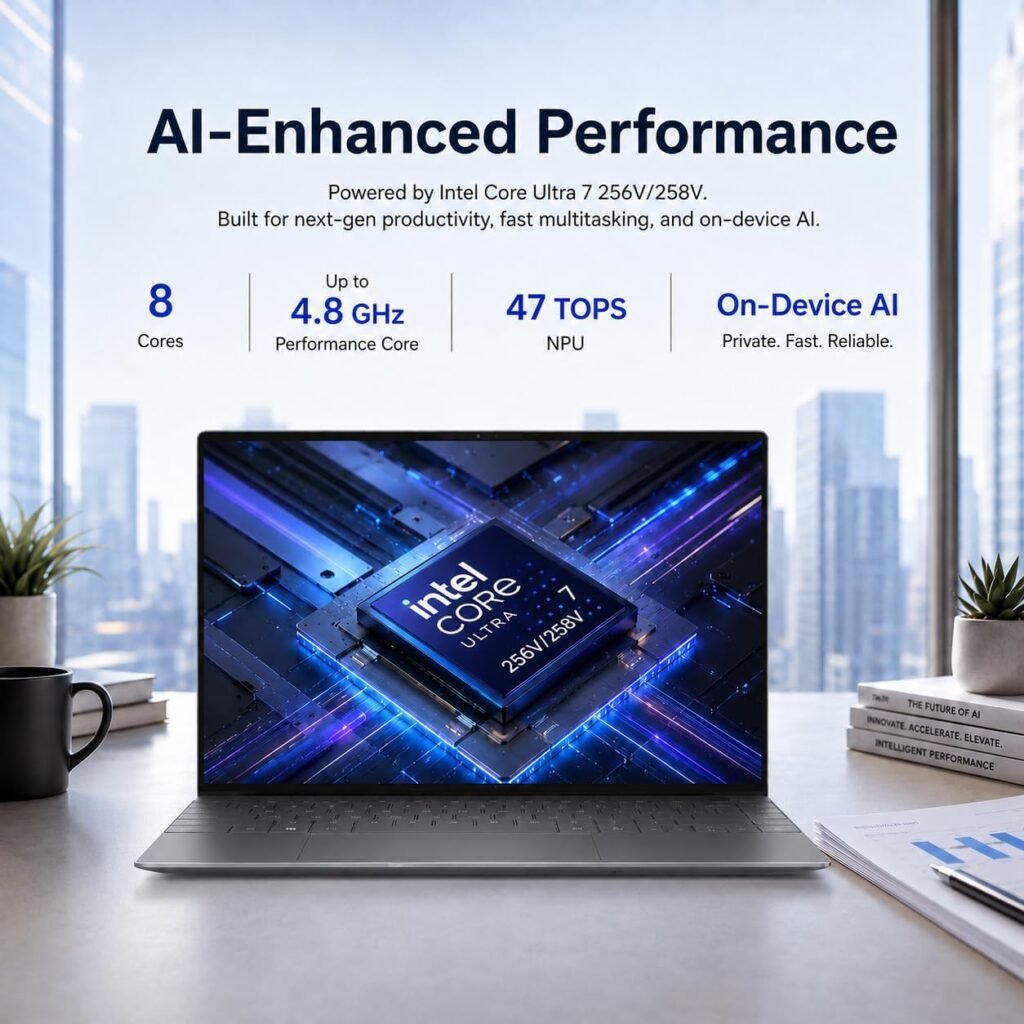
- Key Specifications: Intel Core Ultra 7 Processor, 13.4-inch FHD+/OLED Display, Intel Arc Graphics, 16GB LPDDR5X RAM.
- Pros: Gorgeous borderless display, ultra-compact design, crisp keyboard and trackpad.
- Cons: Webcam quality is average, lack of legacy ports.
- Best For: Executives, Windows lovers, and business travelers.
Why it stands out
The Dell XPS 13 is aimed at people who want a premium Windows laptop that is small enough to carry everywhere. The thin borders around the display make the screen feel larger than the body suggests, and the OLED option gives deep blacks and rich colour that look great for films and photos. With 16 GB of memory in the configuration we describe, it handles multitasking comfortably.
In daily use
Day to day it is a quiet, tidy machine for email, documents, video meetings and web work. The keyboard and trackpad are crisp and accurate, which matters if you type a lot, and the compact size fits easily into a small bag. Intel Core Ultra processors are designed to balance speed and power use, so everyday tasks feel quick. Intel Arc graphics are fine for light photo editing and casual use but are not meant for serious gaming.
Before you buy
Be aware of the trade-offs. The webcam is only average, so if you spend many hours on video calls you may want an external one. The slim body also means few legacy ports, so plan to carry a USB-C adapter or hub. OLED screens look best but can use more battery than standard panels. Configurations and prices vary between sellers, so check the exact specification on the store page before you buy.
3. Lenovo ThinkPad X1 Carbon Gen 12
Known for its legendary keyboard and durability, the ThinkPad X1 Carbon is the ultimate productivity machine for business users.
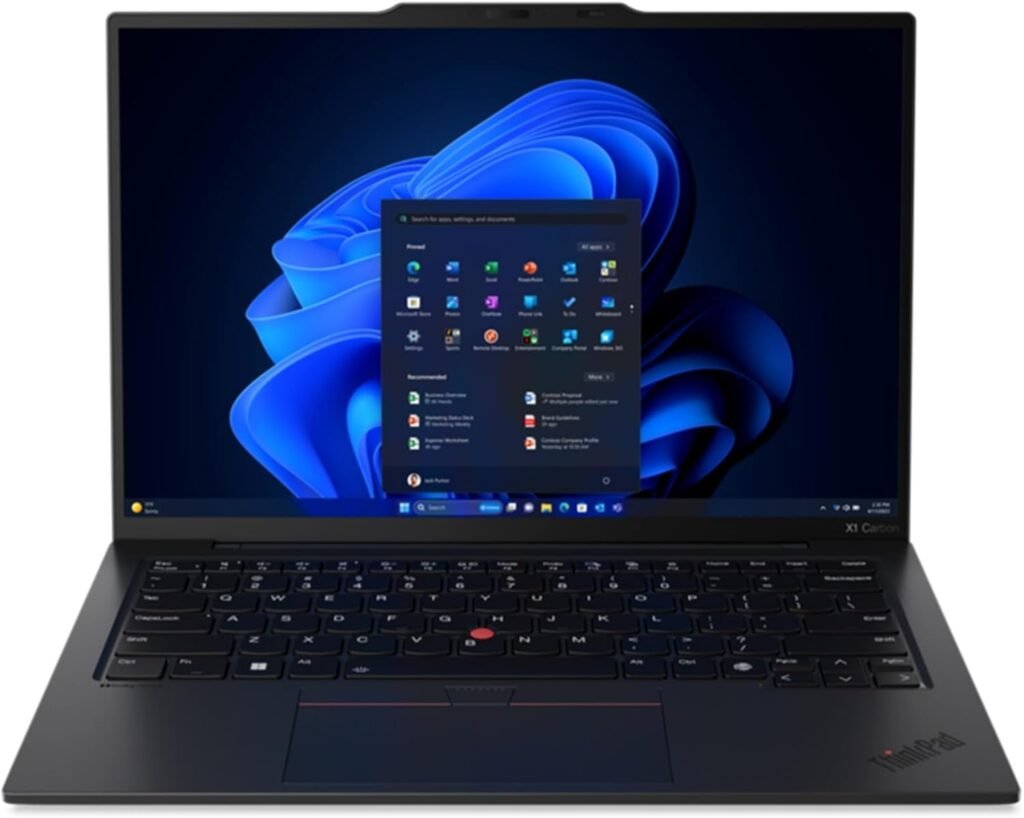
- Key Specifications: Intel Core Ultra 5/7, 14-inch 2.8K OLED Display, Military-grade durability, Wi-Fi 7 ready.
- Pros: Unmatched typing experience, top-tier security features, rugged build quality.
- Cons: Higher price point, design may feel conservative to some.
- Best For: Business professionals, programmers, and remote workers.
Why it stands out
The ThinkPad X1 Carbon has a long reputation among people who write, code and answer email for a living. The keyboard is the reason most owners give: the keys have good travel and a satisfying feel, so long typing sessions are comfortable. Lenovo also builds it to meet military-grade durability standards, which is a useful sign for a laptop that travels a lot.
In daily use
Business features are strong. ThinkPad models usually include a fingerprint reader and a camera privacy shutter, and the design is light enough for a daily commute. The 14-inch screen gives you more working room than a 13-inch model, and the 2.8K OLED option is sharp for spreadsheets and documents. Wi-Fi 7 readiness means it can take advantage of newer routers in offices and homes as they become common.
Before you buy
The price is higher than most laptops in this list, and the plain black design may feel conservative if you want something eye-catching. It is not built for gaming or heavy 3D work. Because several processor and screen options exist, make sure the version you pick has the screen and memory you want, since specifications differ between listings.
4. ASUS ROG Zephyrus G14
If you need a laptop that handles heavy gaming, 4K video editing, and 3D rendering without being bulky, the Zephyrus G14 is unmatched.
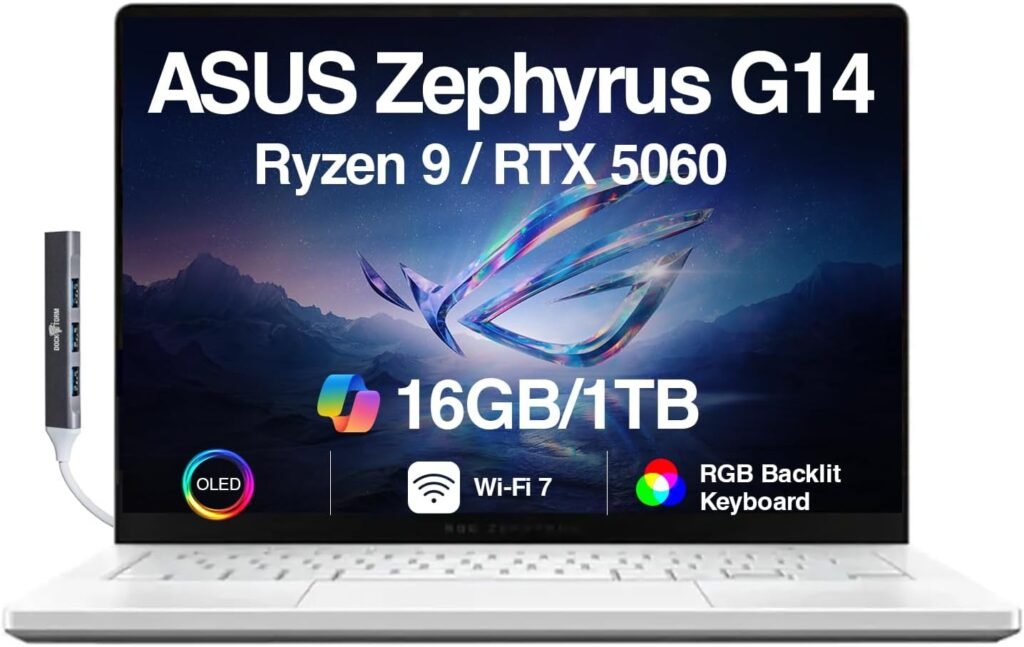
- Key Specifications: AMD Ryzen 9 Processor, NVIDIA GeForce RTX 4070, 120Hz ROG Nebula OLED Display.
- Pros: Powerful GPU performance, sleek aluminum chassis, excellent speaker system.
- Cons: Gets warm under heavy load, battery life drops during gaming.
- Best For: Gamers, video editors, and 3D creators.
Why it stands out
The Zephyrus G14 is for people who want real graphics power without a huge, heavy gaming laptop. The combination of a Ryzen 9 processor and an NVIDIA GeForce RTX 4070 handles modern games and also speeds up video editing, 3D work and other creative tasks. The 120Hz OLED display makes motion smooth and colours vivid, and the aluminium body feels solid.
In daily use
In everyday use it is also a capable work machine, and the speaker system is better than on most laptops, which is nice for films and music. Under heavy load such as gaming or exporting video it gets warm and the fans become audible, which is normal for this kind of performance. Battery life is good for light tasks but drops quickly during games, so keep the charger with you for long sessions.
Before you buy
It costs more than an ordinary study laptop and is heavier than an ultrabook, so it is overkill if you only browse and write documents. If you want to game away from a desk, expect to plug in. Check the cooling and power settings in the software, since they affect both performance and fan noise.
5. HP Pavilion 15 (Best Budget Option)
A budget-friendly workhorse that delivers solid day-to-day performance without breaking the bank.
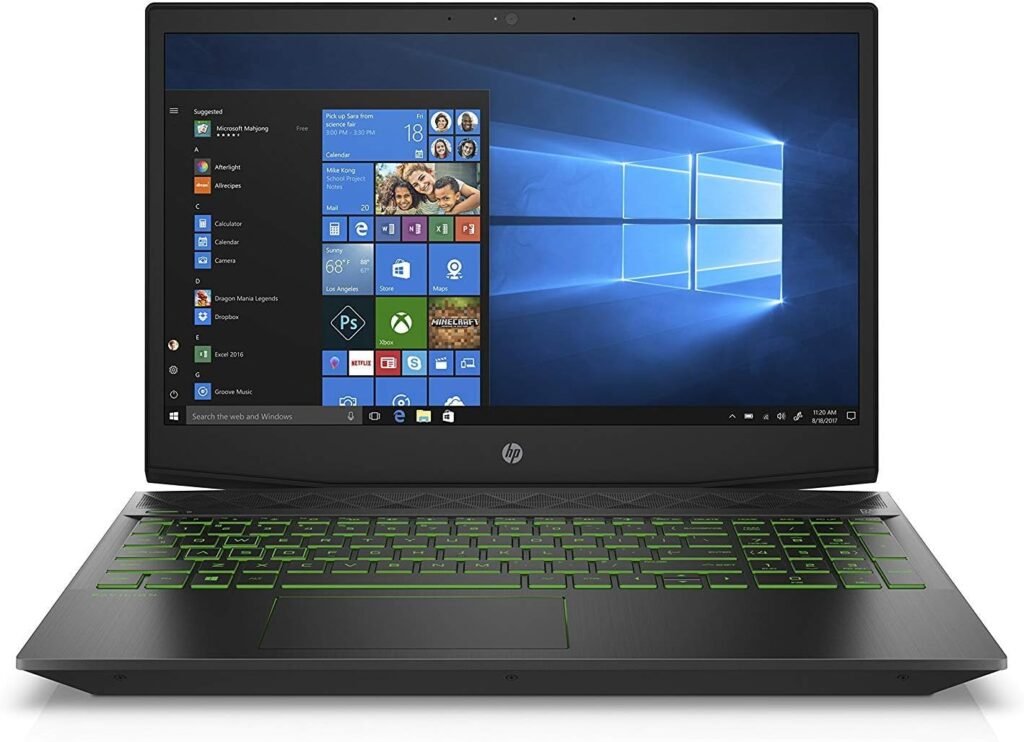
- Key Specifications: AMD Ryzen 5 Processor, 15.6-inch FHD IPS Display, 512GB NVMe SSD, Full-size Keyboard.
- Pros: Great price-to-performance ratio, comfortable keyboard with number pad, decent port selection.
- Cons: Plastic build quality, display brightness could be higher.
- Best For: Budget-conscious students and casual home users.
Why it stands out
The HP Pavilion 15 is for people who want a dependable everyday laptop at a lower price. The Ryzen 5 processor and fast 512 GB NVMe SSD are plenty for browsing, schoolwork, streaming and office apps, and the 15.6-inch screen gives you more room than a compact ultrabook.
In daily use
The full-size keyboard with a number pad is a real advantage for students who work with figures or enter data. The port selection is decent, so you can connect a mouse, drive or display without hunting for adapters. Start-up and app loading feel quick thanks to the SSD.
Before you buy
To keep the price down HP uses a plastic body, so it does not feel as premium as the metal laptops above. The screen could be brighter, which matters in sunny rooms or outdoors. It is also heavier than thin models, so it suits a desk or occasional carrying better than daily travel. Check the memory amount in the exact listing.
6. Acer Swift Go 14
An affordable laptop equipped with a vibrant OLED screen and modern AI features powered by Intel processors.
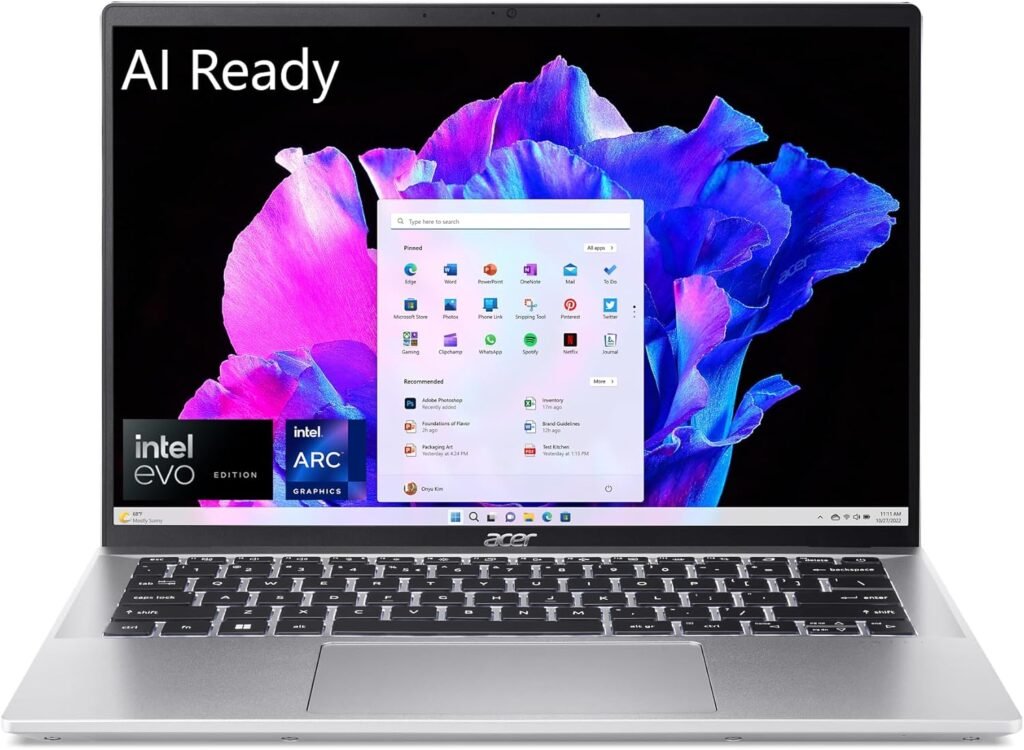
- Key Specifications: Intel Core Ultra 5, 14-inch 2.8K OLED 90Hz Display, 1440p QHD Webcam.
- Pros: Incredible display quality for the price, lightweight, high-resolution webcam.
- Cons: Audio quality is average, plastic trackpad.
- Best For: Media consumers and online students.
Why it stands out
The Acer Swift Go 14 stands out because it gives you an OLED screen at a price where many rivals still use ordinary panels. The 2.8K resolution is crisp, colours look rich, and the 90Hz refresh rate makes scrolling feel smooth. It is also light, so it is easy to carry between classes.
In daily use
The 1440p webcam is a big plus for online classes and video meetings, since faces look clearer than on the typical low-resolution laptop camera. Intel Core Ultra 5 gives enough speed for study, streaming and office work. It is a good fit if you watch a lot of video or take lessons online.
Before you buy
The speakers are only average, so headphones are a better choice for music and films. The trackpad has a plastic feel, and the body is not as premium as the high-end models. Like other OLED laptops it may use more battery with bright content. Check the memory and storage size in the listing, because they can vary.
7. ASUS Chromebook Plus CX34
For users who do all their work in a web browser, cloud applications, and Google Docs, this Chromebook delivers fast speed at a very low cost.
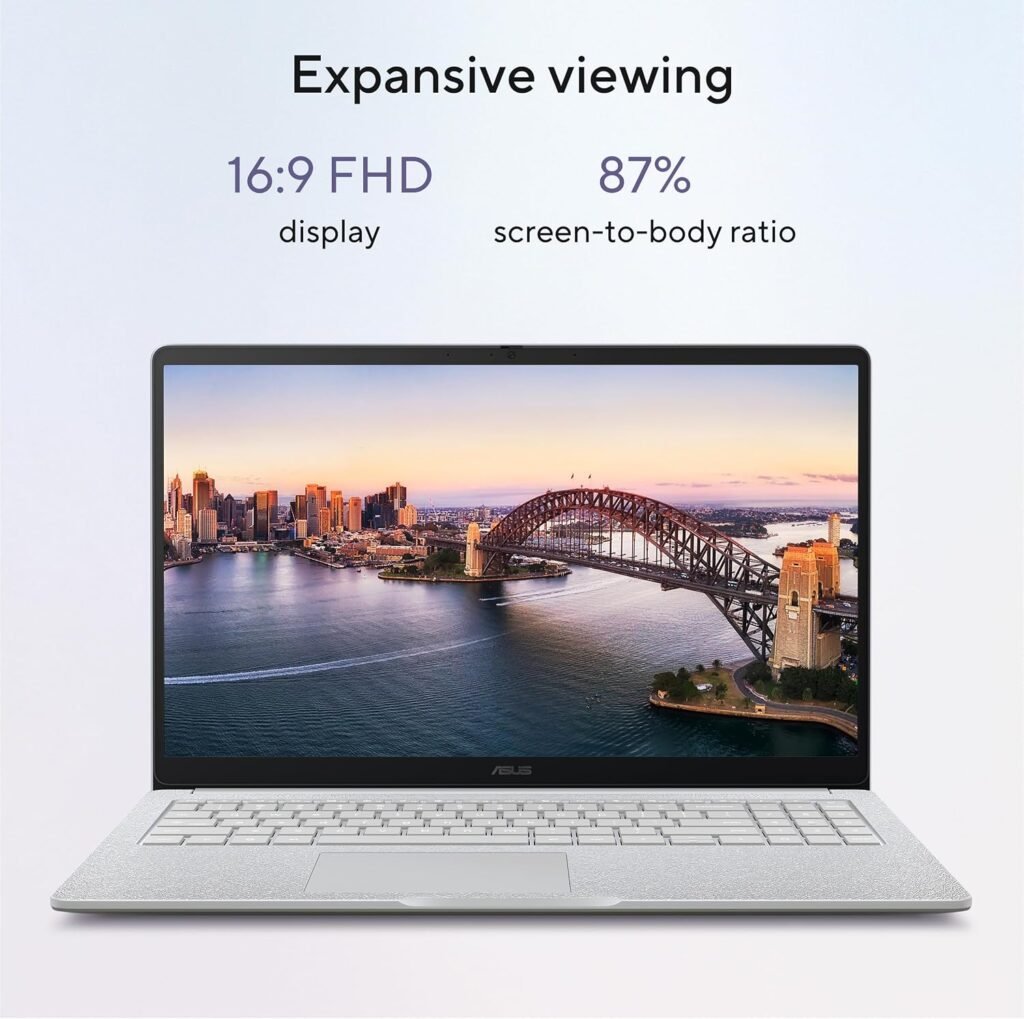
- Key Specifications: Intel Core i3 Processor, 14-inch FHD Touch Display, ChromeOS with AI features.
- Pros: Super fast boot times, budget-friendly, effortless Google ecosystem integration.
- Cons: Cannot run heavy Windows/Mac desktop software.
- Best For: Web browsing, document editing, and online classes.
Why it stands out
The ASUS Chromebook Plus CX34 is a simple and low-cost way to get a capable laptop if you do most of your work online. ChromeOS starts in seconds, updates itself and works smoothly with Google Docs, Gmail, Drive and Meet. The 14-inch Full HD touch screen is a handy size for notes, reading and lessons.
In daily use
Because ChromeOS is light, even a Core i3 processor feels quick for web apps, video calls and streaming. Setup is easy: you sign in with a Google account and your files and settings follow you. Many Android apps and the built-in AI features can help with simple tasks, and it is a low-maintenance choice for younger students.
Before you buy
A Chromebook cannot run full Windows or Mac desktop programs, so check that the tools you need have a web version or an Android app. Local storage is smaller than on most laptops, so it works best with cloud storage. If your school or job needs specific software such as advanced design or engineering programs, choose a Windows laptop or a MacBook instead.
How to Choose the Right Laptop in 2026?
Before making your final decision, consider these key factors:
- Operating System: Choose macOS for ecosystem integration and battery life, Windows for software versatility/gaming, or ChromeOS for budget web use.
- RAM: Aim for at least 16GB of RAM in 2026 for smooth multitasking.
- Storage: 512GB SSD is recommended for long-term storage of files, software, and media.
Common mistakes to avoid
- Buying more power than you need. A gaming laptop is wasted on someone who only writes documents.
- Ignoring memory. 8 GB can feel tight if you keep many tabs and apps open.
- Forgetting the ports. Thin laptops often need an adapter for USB-A, HDMI or memory cards.
- Trusting battery claims alone. Real use with a bright screen and video calls is usually shorter than the figure on the box.
- Picking the wrong operating system. Check that the programs you need run on macOS, Windows or ChromeOS before you buy.
Our verdict
If you want one laptop that suits almost everyone, the MacBook Air M3 is our top pick. Windows users who want a premium ultrabook should look at the Dell XPS 13, and people who type all day will love the ThinkPad X1 Carbon. Choose the ASUS ROG Zephyrus G14 for gaming and creative work, the HP Pavilion 15 for the best value, the Acer Swift Go 14 for a great screen on a budget, and the ASUS Chromebook Plus CX34 if you live in a web browser. Prices and models change often, so check the current price and whether a newer version is on sale before you buy.
Amazon Affiliate Disclosure
Techgito is a participant in the Amazon Services LLC Associates Program. As an Amazon Associate, we earn from qualifying purchases at no additional cost to you.
How to choose a laptop
Look at the parts that affect daily use: the processor, memory, storage, screen and battery. You do not need the most expensive model, only one that fits your work.
Memory and storage
For most people 16 GB of memory is comfortable, and 8 GB is the lowest we would suggest for everyday use. Choose a solid state drive (SSD) of at least 256 GB, and 512 GB if you keep many files, photos or videos.
Screen and battery
A bright screen with good color makes long study or work sessions easier on the eyes. Battery claims are often optimistic, so read independent tests and expect less than the maker states.
Weight and ports
If you carry your laptop every day, weight matters. Also check that it has the ports you need, such as USB-C, HDMI or a headphone jack, so you do not need extra adapters.
Frequently asked questions
How much should I spend on a laptop?
Set a budget first, then compare models at that price. A well chosen mid priced laptop often serves students and office workers better than a costly one with features they never use.
Is a laptop with a touchscreen worth it?
It depends on your work. Touch and pen input help for notes and drawing, but they can add cost and reduce battery life.
What warranty should I look for?
At least one year from the maker. Check whether accidental damage is covered, since that is often sold separately.
More Techgito buying guides
Pair your laptop with a good set of noise-cancelling headphones for focus in busy places, or choose from our best wireless earbuds for calls and commuting. Our best smartwatches guide covers the rest of your daily tech.